class: center, middle, inverse, title-slide .title[ # No Designer Needed: How to Create Beautiful Reports Using Only R ] .subtitle[ ## Hymans Robertson R Users Group ] .date[ ### February 15, 2023 ] --- class: inverse, center, middle # Hi, I'm David .headshot[  ] --- class: center, middle <img src="img/rru-logo-text-right.svg" width="1000px" /> --- class: sample-report, center, middle 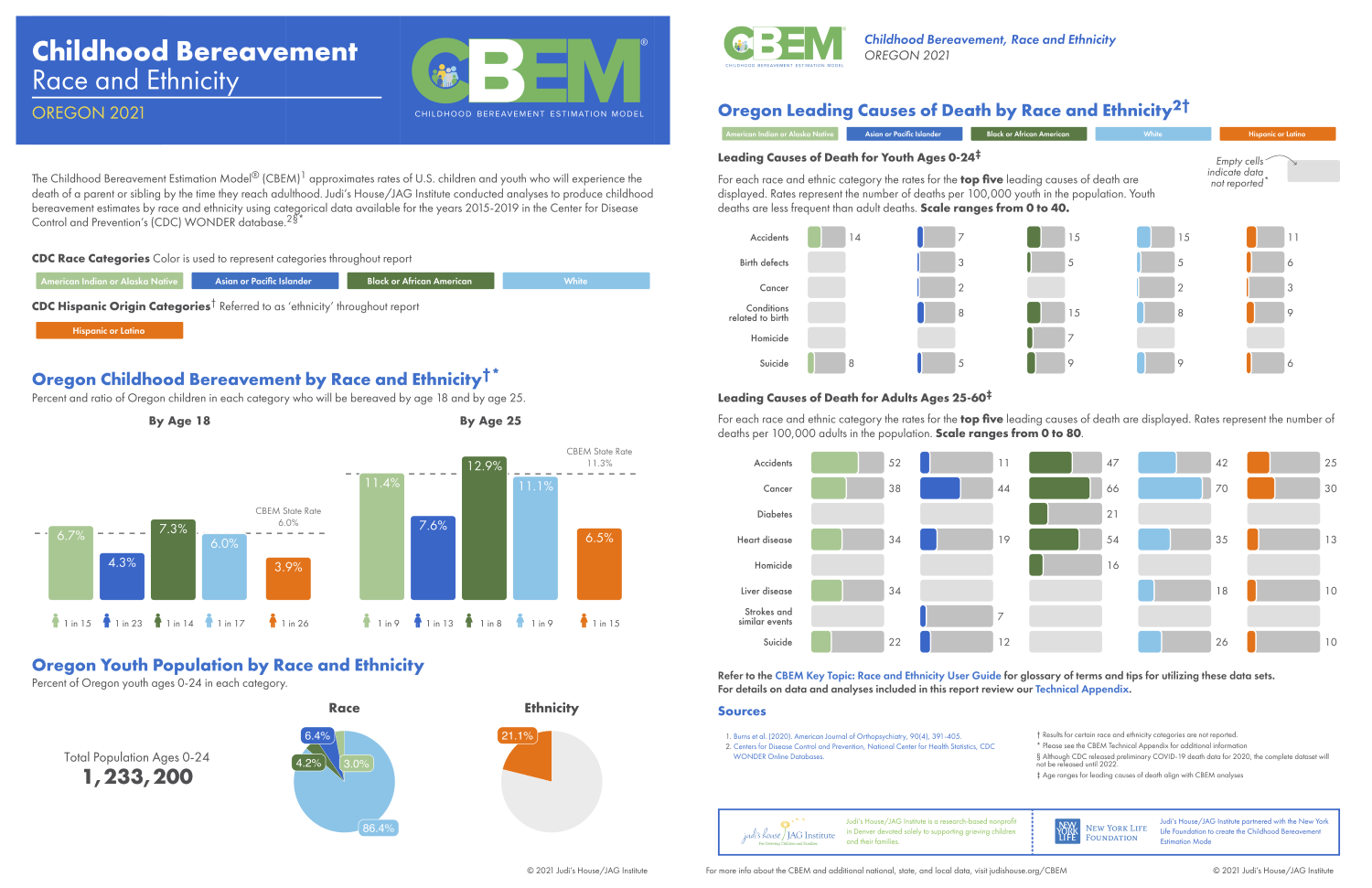 --- class: sample-report, center, middle  --- class: sample-report, center, middle  --- class: sample-report, center, middle 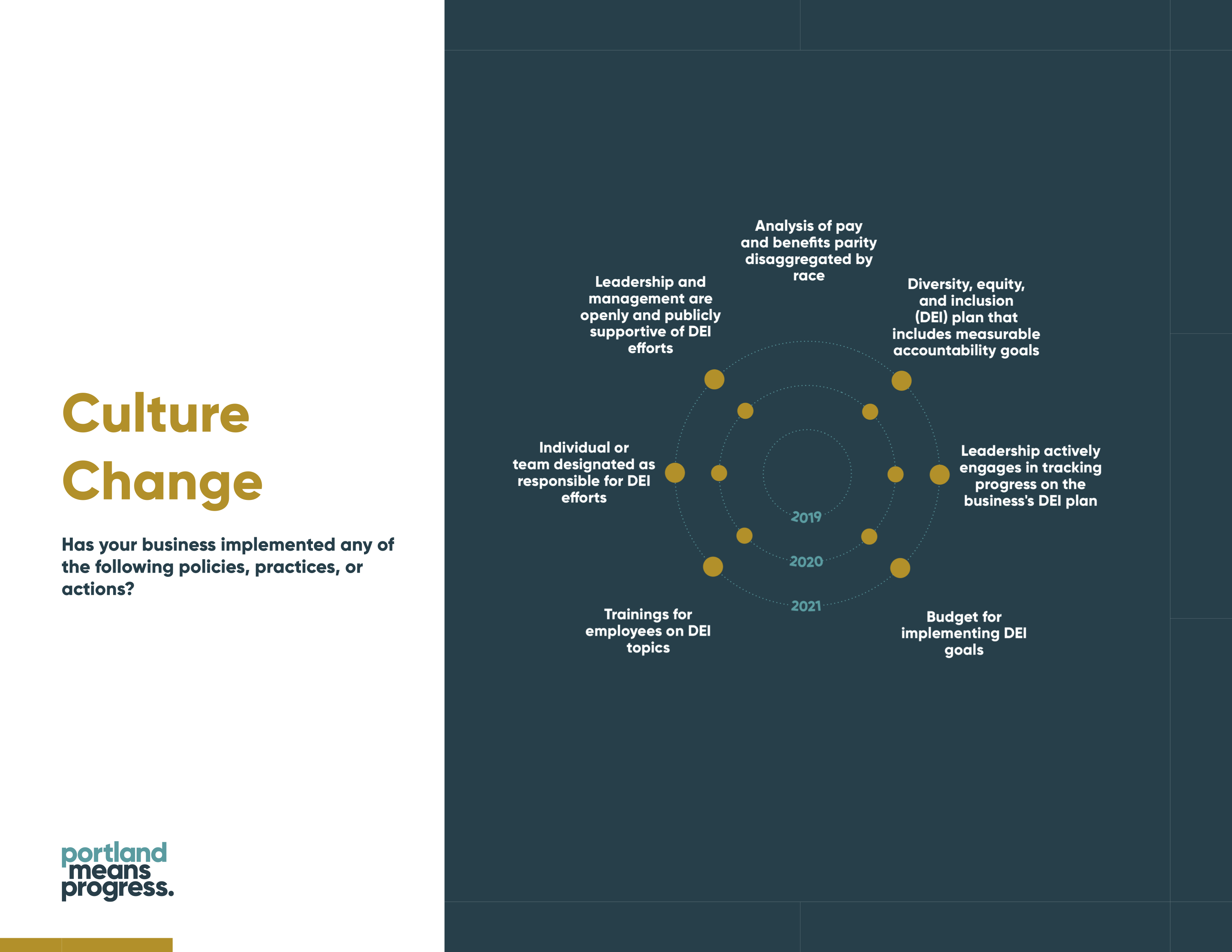 --- class: sample-report, center, middle  --- class: inverse, center, middle background-image:url("img/page.jpg") # `pagedown` --- ## The Problem -- We often need to create PDF reports from RMarkdown -- PDFs are portable -- PDFs are widely used --- ## Potential Solution #1 Work with a graphic designer --- class: center, middle  --- ## Potential Solution #2 R users usually think of LaTex to make PDFs from RMarkdown, but there are some problems: --- ### The Default Output Looks Awful -- <img src="https://i.stack.imgur.com/Nug7W.png" height="250px" style="display: block; margin: auto;" /> --- ### LaTeX is Terrible --- class: center, middle  --- class: center, middle  --- class: center, middle 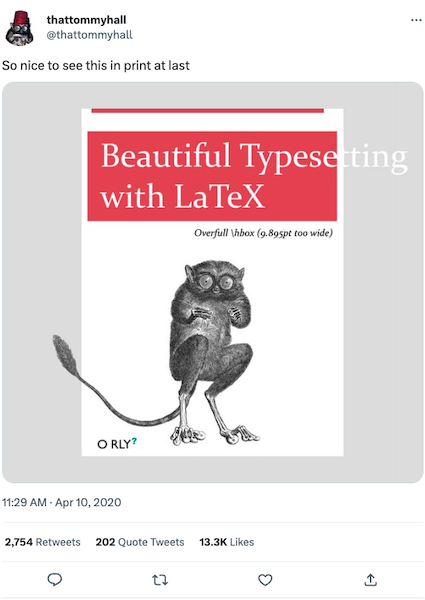 --- class: inverse, center, middle # The Solution: `pagedown` --- ## Why `pagedown`? -- You can use tools like HTML and CSS to format your documents: -- + Way easier than LaTeX to learn -- + Easier to reuse parts on a website or in other formats (like `xaringan` or `blogdown`) -- + Outputs generally looks nicer than LaTeX --- class: sample-report, center, middle  --- class: sample-report, center, middle  --- class: center, middle <img src="img/cbem-sample.png" width="80%" /> --- ## How `pagedown` Works -- **`pagedown`** is an R package that provides custom output formats: -- + you call it through `pagedown::html_paged` in the YAML header -- + and use the `css` argument to provide a custom style sheet -- ```yaml --- title: "My title" date: "May 2022" *output: * pagedown::html_paged: * css: "style.css" *knit: pagedown::chrome_print --- ``` --- ## Behind the Scenes -- <img src="img/pagedown_process.png" width="900px" height="300px" style="display: block; margin: auto auto auto 0;" /> -- 1. `pagedown` + `rmarkdown` translate the document into an **HTML** file (using Pandoc) -- 2. `pagedown` calls Paged.js, which puts things into the right place to look like "pages" -- 3. The `pagedown::chrome_print` function converts the HTML document to PDF --- class: inverse, center, middle # HTML and CSS --- ## HTML and CSS -- - HTML creates the bricks of your document -- + Large brick (h1, h2, h3, etc) -- + Regular text brick (p) -- - CSS is what the bricks look like -- + size -- + color -- + shape --- class: center, middle <img src="img/html-css-lego.png" width="800px" /> --- ## HTML in `pagedown` `pagedown` uses the Paged.js library, which gives us some specific ways to format our document you won't see anywhere else in the world of HTML --- class: center, middle <img src="img/pagedjs-overview.png" width="45%" /> --- class: inverse, center, middle # Let's Make a `pagedown` Report! --- ## Install `pagedown` ```r install.packages("pagedown") ``` --- ## Create a Document 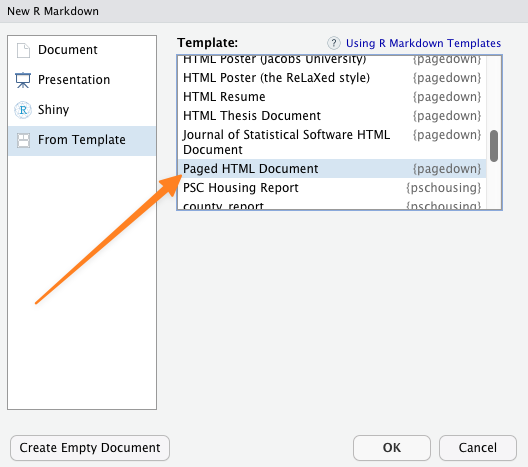 --- class: inverse, center, middle # Page Size --- ## Page Size To handle pages, `pagedown` has a special CSS element called `@page`: -- + you can (and must) set its size at the beginning -- ```css @page { size: 8.5in 11in; } ``` --- class: inverse, center, middle # Margins --- ## Margins ```css :root { --pagedjs-margin-left: 0.75in; --pagedjs-margin-right: 0.75in; --pagedjs-margin-bottom: 1.25in; --pagedjs-margin-top: 1in; } ``` --- class: inverse, center, middle # Fonts --- ## Fonts ```css @import url("https://fonts.googleapis.com/css2?family=Inter:wght@400;700&display=swap"); ``` --- ## Fonts ```css body { font-family: Inter, sans-serif; } h1, h2, h3, h4, h5, h6 { font-weight: 700; } p { font-size: 12pt; } ``` --- ## Fonts ```css blockquote { margin-inline-start: 0; color: #6cabdd; padding-left: 10pt; border-left: 2pt solid #6cabdd; font-style: italic; } ``` --- class: inverse, center, middle # Footer --- class: center, middle <img src="img/pagedjs-overview.png" width="45%" /> --- ## Footer ```css @page { size: 8.5in 11in; @bottom-left-corner { content: ""; background-image: url(rru-logo-blue.svg); background-repeat: no-repeat; background-size: 0.5in; background-position: center; } @bottom-right-corner { content: counter(page); color: grey; font-size: 10pt; } } ``` --- class: inverse, center, middle # Cover Page --- ## Cover Page ```css @page:first{ background: linear-gradient(130deg, black, transparent), url(dark-hex-pattern.svg); background-repeat: no-repeat; background-size: cover; @bottom-left-corner { background: none; } @bottom-right-corner { content: none; } }; ``` --- ## Cover Page ```css h1.title { color: white; font-size: 36pt; } h2.date { color: white; font-weight: normal; font-size: 18pt; page-break-after: always; } ``` --- class: inverse, center, middle # Multicolumn Layouts --- class: sample-report, center, middle 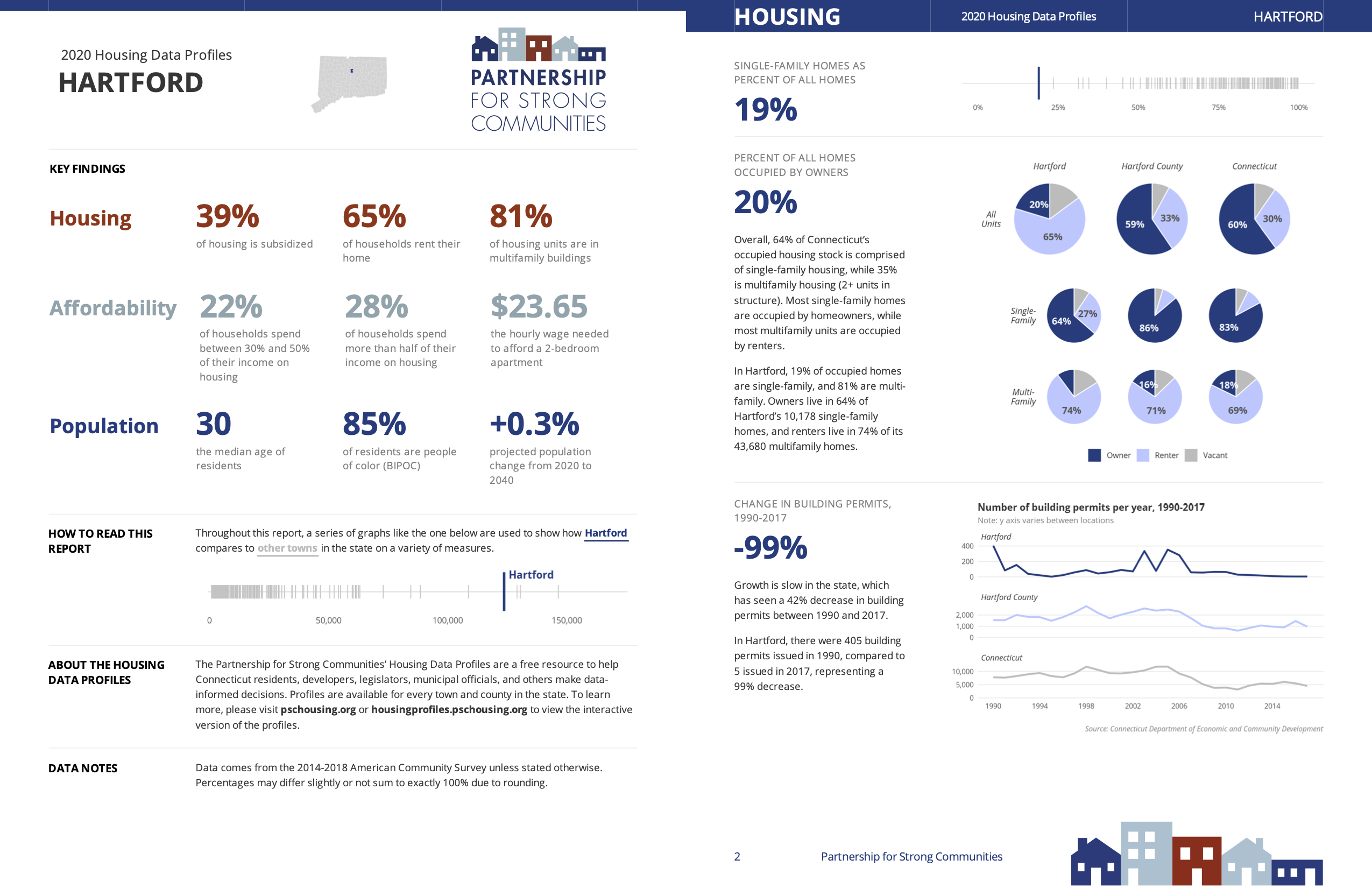 --- ## Multicolumn Layouts ```css img { max-width: 100%; } .wrap-columns { display: flex; padding: 0 0pt; } .columns-50 { flex: 50%; } ``` --- class: inverse, center, middle # Summing Up --- ## Summing Up -- - You can make nice PDFs straight from R -- - You do need to know some HTML and CSS -- - At least it's not LaTeX! --- class: inverse, center, middle # Put Your Template in a Package --- class: sample-report, center, middle  --- class: inverse, center, middle # `pagedreport` --- class: center, middle  pagedreport.rfortherestofus.com --- class: inverse, center, middle # Quarto? --- class: center, middle  ??? https://github.com/quarto-dev/quarto-cli/discussions/1716 --- class: inverse, center, middle background-image:url("img/mine.jpg") # Additional Resources --- ## Additional Resources -- + To learn more about `pagedown`, you can have a look at the [documentation](https://pagedown.rbind.io/) or the [issues](https://github.com/rstudio/pagedown/issues) on Github -- + To get a deeper knowledge of the foundations, look at the Paged.js [documentation](https://Pagedjs.org/documentation/) or their [Gitlab](https://gitlab.coko.foundation/Pagedjs/Pagedjs) -- + To learn HTML and CSS, you can either have a look at Mozilla tutorial ([HTML](https://developer.mozilla.org/en/docs/Web/HTML) + [CSS](https://developer.mozilla.org/en/docs/Web/CSS)) or the W3C tutorial ([HTML](https://www.w3schools.com/html/) + [CSS](https://www.w3schools.com/css/))